
Discover the Best Internet Speed for IPTV to enjoy uninterrupted streaming. Learn optimal Mbps for HD, 4K, and multiple devices, plus tips to prevent buffering.
📊 Article Outline
| Heading Level | Topic |
|---|---|
| H1 | Best Internet Speed for IPTV |
| H2 | Introduction to Internet Speed and IPTV |
| H2 | Why Internet Speed Matters for IPTV |
| H3 | Streaming Quality Impact |
| H3 | Buffering and Lag Issues |
| H2 | Recommended Internet Speeds by Quality |
| H3 | Standard Definition (SD) |
| H3 | High Definition (HD) |
| H3 | Ultra HD / 4K |
| H3 | Multiple Devices Streaming |
| H2 | How to Test Your Internet Speed |
| H3 | Speed Test Tools |
| H3 | Factors Affecting Speed |
| H2 | Tips to Improve IPTV Streaming Speed |
| H3 | Use Wired Connections |
| H3 | Optimize Wi-Fi Placement |
| H3 | Close Background Apps |
| H2 | VPN and Internet Speed for IPTV |
| H2 | Common Internet Speed Problems and Fixes |
| H2 | Future Internet Speed Requirements for IPTV |
| H2 | FAQs |
| H2 | Conclusion |
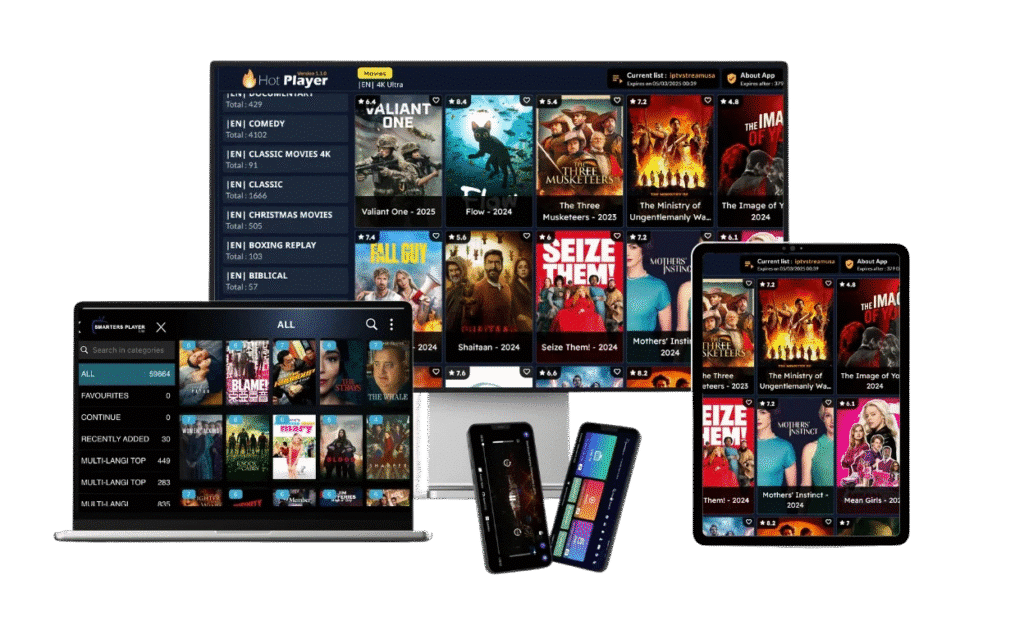
🌐 Introduction to Internet Speed and IPTV
IPTV allows you to stream live TV, movies, and series over the internet. But a smooth experience depends heavily on internet speed.
Knowing the Best Internet Speed for IPTV ensures that your streaming is uninterrupted, with no buffering or lag. Whether you are watching HD channels or 4K content, having the right Mbps is essential.
⚡ Why Internet Speed Matters for IPTV
📺 Streaming Quality Impact
- Low internet speed can reduce resolution
- High speed allows HD and 4K streaming
⏱️ Buffering and Lag Issues
- Slow connections cause freezing
- Channels may take longer to load
- Multiple devices increase demand
📊 Recommended Internet Speeds by Quality
Standard Definition (SD)
- Minimum 3-5 Mbps per device
- Suitable for older TVs and mobile devices
High Definition (HD)
- Minimum 10 Mbps per device
- Smooth streaming for most IPTV apps
Ultra HD / 4K
- Minimum 25 Mbps per device
- Required for UHD content without buffering
Multiple Devices Streaming
- 2 devices HD → 20 Mbps minimum
- 3-4 devices 4K → 80-100 Mbps
- Consider Wi-Fi or wired connections to optimize
🧪 How to Test Your Internet Speed
Speed Test Tools
- Ookla Speedtest (https://www.speedtest.net)
- Fast.com
- ISP-provided testing tools
Factors Affecting Speed
- Wi-Fi interference
- Network congestion
- Device limitations
- VPN usage
💡 Tips to Improve IPTV Streaming Speed
🔌 Use Wired Connections
Ethernet is more stable than Wi-Fi and reduces buffering.
📡 Optimize Wi-Fi Placement
- Avoid walls and obstructions
- Place router centrally
🖥️ Close Background Apps
- Streaming apps need full bandwidth
- Limit downloads or other online activity
🛡️ VPN and Internet Speed for IPTV
Using a VPN may slow your connection slightly but improves privacy.
- Choose high-speed VPN servers
- Use VPN only if necessary for privacy or geo-blocked content
⚠️ Common Internet Speed Problems and Fixes
- Buffering: Increase bandwidth or reduce resolution
- Lagging: Check Wi-Fi interference or use wired connection
- Frequent disconnects: Restart router or update firmware
🚀 Future Internet Speed Requirements for IPTV
With 8K streaming and multiple devices in homes, future IPTV may require:
- 50-100 Mbps for 4K UHD on multiple screens
- 150+ Mbps for 8K or simultaneous VR streaming
❓ FAQs
1. What is the minimum internet speed for IPTV?
3-5 Mbps for SD, 10 Mbps for HD, 25 Mbps for 4K per device.
2. Can I use Wi-Fi for IPTV?
Yes, but a wired connection is more stable for multiple devices.
3. Does VPN affect IPTV speed?
Yes, slightly. Choose high-speed servers to minimize lag.
4. How many devices can stream IPTV at once?
Depends on bandwidth. For HD, 2 devices need ~20 Mbps; 4K may need 80-100 Mbps.
5. How to check my IPTV internet speed?
Use tools like Speedtest.net or Fast.com to measure Mbps.
6. Will 4G or 5G mobile internet work for IPTV?
Yes, if speed meets minimum requirements: 10 Mbps for HD, 25 Mbps for 4K.
✅ Conclusion
Knowing the Best Internet Speed for IPTV is crucial to enjoy smooth streaming. Whether on SD, HD, or 4K, ensuring sufficient Mbps and a stable connection prevents buffering and lag. By testing speed, using wired connections, and optimizing your network, your IPTV experience will be fast, seamless, and enjoyable.
🌐 Learn more about internet speed for streaming: https://www.speedtest.net